The Rundown...
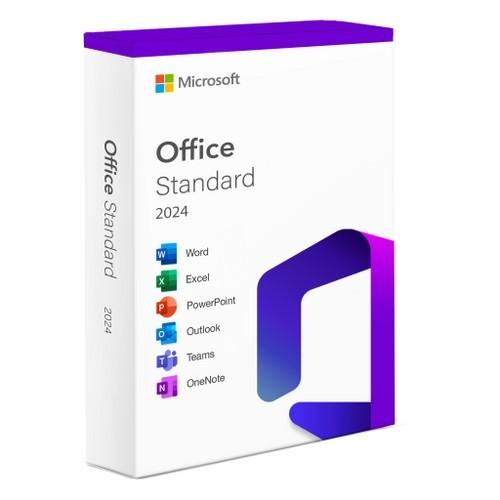
Empower your productivity with Microsoft Office 2024 Standard! Experience a reliable and stable suite of essential Office applications designed for long-term use on your Windows 10 or 11 PC. Enjoy consistent functionality, enhanced security, and compliance capabilities without the constant disruptions of frequent updates. Perfect for those who value stability and security, Microsoft Office 2024 Standard offers a traditional perpetual license model for lasting productivity.
Features:
- Provides a reliable and stable productivity suite for organizations that prefer a traditional perpetual license model
- Offers core Office applications with essential features, while maintaining consistent functionality without frequent feature updates
- Instant access to your license key and download link
- Compatible with Windows 10/11
- Designed for stability and long-term support
- Ideal for regulated industries and restricted environments
- Enhanced security and compliance capabilities
- License: Lifetime for 1 PC
- System Requirements: Windows 10 or 11
Applications Included:
- Includes Word
- Includes Excel
- Includes PowerPoint
- Includes OneNote
- Includes Outlook
Redemption Instructions:
1. Uninstall previous versions of Microsoft Office before starting.
2. Use this link to download the install file. https://drive.google.com/file/d/15uAV9phvaSBbmITkkEy5og8TUNIlNjAv/view?usp=drive_link
3. Once the download is complete, right-click on the ISO file and choose "Mount". It will show up as a new disk drive on your computer (usually labeled as "DVD Drive").
4. Navigate to that drive in your File Explorer, right-click on the "start" file and "Run as Administrator" to start the installation.
5. After the installation is complete, run any of the newly installed 2024 office products (not Office 365).
6. If activation is not prompted, navigate to "Account" at the bottom left of the menu or through "File" in the top ribbon. Use the option to activate under "Product Information" to activate with the provided key.
7. Cleaning up - right-click on the drive that was created in step 2 via File Explorer and choose "Unmount" or "Eject." The downloaded install file can then be removed.
NOTE: The item in this listing is a DIGITAL product. You will NOT receive a physical product, such as a gift card, downloadable CDs, etc. An activation code or license key will be posted to your account and sent via the Shipping Confirmation email within one business day. Login to your account to view your order or look for the Shipping Confirmation email and check the tracking number field. Follow the Redemption Instructions on the product listing to redeem your digital download.
Due to the nature of the item, we cannot accept returns on this product.